
How to Convert PowerPoint to SCORM: 7 Proven Steps for L&D Teams

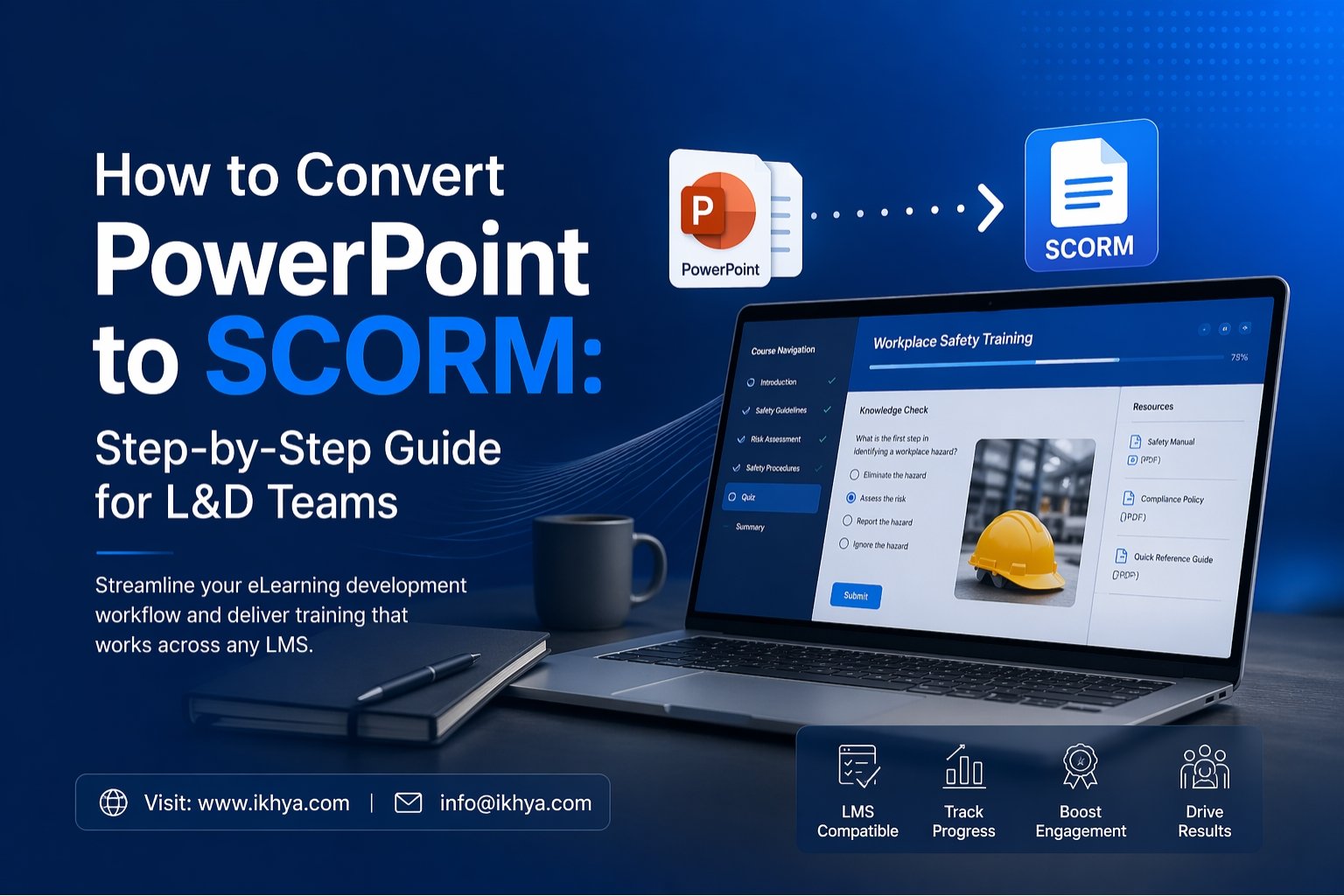
How to convert PowerPoint to SCORM is a common question for learning and development teams that already have training slides but need them inside an LMS. Standard PowerPoint files do not track progress, quiz scores, or completions. SCORM solves that problem. In this guide, you will learn the easiest way to convert slides into LMS-ready courses, compare tools, understand pricing, and know when expert help makes sense.
If you need faster rollout, contact IKHYA to discuss your project.
Table of Contents
- What PowerPoint to SCORM Means
- Why L&D Teams Convert PowerPoint to SCORM
- How to Convert PowerPoint to SCORM Step by Step
- Best Tools for PowerPoint to SCORM
- DIY vs Professional Conversion Services
- PowerPoint to SCORM Pricing
- Common Mistakes to Avoid
- Why Choose IKHYA
What Does It Mean to Convert PowerPoint to SCORM?
When you convert PowerPoint to SCORM, you turn regular slide files into online learning courses that work inside a Learning Management System (LMS). A SCORM package allows your LMS to track learner activity such as:
- Course completion
- Time spent
- Quiz scores
- Progress status
- Return visits
This is important for employee training, onboarding, compliance learning, and sales enablement programs.
Without SCORM, PowerPoint files are only presentations. With SCORM, they become measurable training assets.
Why L&D Teams Convert PowerPoint to SCORM
Many companies already have years of training content stored in PowerPoint. Reusing that content saves time and budget.
Common Problems with Standard PowerPoint Files
| Problem | Impact on Training |
|---|---|
| No learner tracking | Managers cannot see progress |
| No quiz reporting | No proof of learning |
| Poor mobile viewing | Hard to learn on phones |
| Static content | Low engagement |
| Manual delivery | Slow training rollout |
Benefits of PowerPoint to SCORM Conversion
| Benefit | Business Value |
|---|---|
| LMS tracking | Better reporting |
| Faster rollout | Save admin time |
| Mobile learning | Learn anywhere |
| Better engagement | Higher completion rates |
| Standard format | Works across many LMS platforms |
For urgent launches, many teams choose Rapid eLearning Development Services to move faster.
How to Convert PowerPoint to SCORM Step by Step
Step 1: Review Existing Slides Before You Convert PowerPoint to SCORM
Start by checking your slides. Remove outdated content, fix branding, and simplify text-heavy slides. Long paragraphs often reduce learner attention.
Good slides should be clear, visual, and easy to follow.
If old material needs redesign, eLearning Course Redesigning Services can modernize it.
Step 2: Choose the Right Tool to Convert PowerPoint to SCORM
Use an authoring tool that imports PowerPoint and exports SCORM packages.
Popular choices include:
- iSpring Suite
- Articulate Storyline
- Adobe Captivate
Choose based on your budget, timeline, and interaction needs.
Step 3: Add Interactions, Voiceover, and Quizzes
PowerPoint slides alone are passive. Add learning elements such as:
- Knowledge checks
- Click-to-reveal screens
- Narration
- Branching scenarios
- Final assessments
This improves learning outcomes and course completion.
For stronger learner engagement, Instructional Design Services help shape better learning experiences.
Step 4: Optimize for Mobile Devices
Many learners now access training on phones or tablets. Make sure buttons are easy to tap, text is readable, and layouts adjust to screen size.
Teams serving remote workers often use Mobile Learning Development Solutions for responsive training.
Step 5: Export as SCORM 1.2 or SCORM 2004
Most tools let you export in these formats:
| Format | Best For |
|---|---|
| SCORM 1.2 | Broad LMS compatibility |
| SCORM 2004 | Advanced sequencing and reporting |
If unsure, SCORM 1.2 is often the safest starting point.
Step 6: Test in Your LMS After You Convert PowerPoint to SCORM
Upload the package to your LMS and test:
- Launch speed
- Navigation
- Bookmarking
- Quiz scores
- Completion status
- Mobile display
Never skip testing. A working file on desktop may fail in an LMS.
Step 7: Improve Using Reports and Feedback
After launch, review LMS reports and learner comments. If learners drop out early, content may be too long or unclear.
This is where Microlearning Development Services can break long modules into shorter lessons.
Best Tools to Convert PowerPoint to SCORM
| Tool | Best For | Difficulty | Approx. Price (USD) |
|---|---|---|---|
| iSpring Suite | Fast PPT conversion | Easy | $770+/year |
| Articulate Storyline | Rich interactions | Medium | $1,399+/year |
| Adobe Captivate | Simulations | Medium | $33+/month |
| Custom Development | Enterprise needs | Varies | Custom quote |
Tools are useful, but they still require time, design skill, and testing.
DIY vs Professional PowerPoint to SCORM Conversion
Some teams can do simple projects in-house. Others need speed, scale, or better quality.
| Factor | DIY | Professional Partner |
|---|---|---|
| Cost upfront | Lower | Higher |
| Internal time needed | High | Low |
| Design quality | Variable | Strong |
| LMS testing | Limited | Full |
| Accessibility support | Rare | Strong |
| Large rollout speed | Slow | Fast |
For complex training libraries, PPT to eLearning Conversion Services are often more efficient.
How Much Does PowerPoint to SCORM Conversion Cost?
Pricing depends on slide count, interactivity, branding, and language needs.
| Project Type | Typical Price (USD) |
|---|---|
| Basic slide conversion | $300–$1,000 |
| Interactive module | $1,000–$3,500 |
| Multi-module program | $5,000+ |
| Enterprise academy rollout | Custom pricing |
If you need advanced scenarios, Custom eLearning Development Services may be the best fit.
For classroom material moving online, ILT to eLearning Course Conversion is often more cost-effective than rebuilding from zero.
Common Mistakes When You Convert PowerPoint to SCORM
1. Converting Without Redesign
Slides built for presenters may fail as self-paced learning.
2. Ignoring Mobile Users
If the course is hard to use on phones, completion rates can drop.
3. Too Much Text
Learners skim heavy slides. Use visuals and concise content.
4. No Accessibility Planning
Courses should support inclusive learning. Accessible eLearning Solutions help meet accessibility needs.
5. No Localization Plan
Global teams may need multiple languages. eLearning Translation & Localization supports wider rollout.
When Tools Are Not Enough
Software can export files, but it may not solve business learning goals. If you need:
- Better learner engagement
- Faster rollout
- Multi-language delivery
- Strong branding
- Simulations
- Compliance reporting
Then expert support can save time and reduce rework.
For practice-based learning, eLearning Simulation-Based Training can create realistic experiences beyond static slides.
Why Choose IKHYA
IKHYA supports organizations in the United States, United Kingdom, Australia, United Arab Emirates, and global markets with scalable digital learning solutions.
Key strengths include:
- Fast project turnaround
- LMS-ready SCORM delivery
- Custom learning design
- Mobile-first development
- Accessibility support
- Global localization support
Whether you need one module or a full training library, the right strategy can save months of internal effort.
Get Expert Help to Convert PowerPoint to SCORM
If your team needs to convert PowerPoint to SCORM quickly and professionally, talk with IKHYA.
Contact us for a project review.
Request an RFP for enterprise requirements.
Book a demo to see sample solutions.
Book a meeting to discuss timelines and pricing.
FAQ Related to How to Convert PowerPoint to SCORM
What is PowerPoint to SCORM conversion?
PowerPoint to SCORM conversion is the process of turning PowerPoint slides into an LMS-ready training course. The final SCORM package can track learner progress, quiz scores, completion status, and time spent inside a Learning Management System.
How do I convert PowerPoint to SCORM?
You can convert PowerPoint to SCORM using authoring tools like iSpring Suite, Articulate Storyline, or Adobe Captivate. These tools import your slides, let you add interactions, and export the course as a SCORM file.
Why should I convert PowerPoint to SCORM instead of using PPT files?
Regular PowerPoint files do not track learners or report results. SCORM courses provide reporting, completion tracking, bookmarking, and better LMS compatibility for corporate training.
Can I convert PowerPoint to SCORM for free?
Some tools offer free trials or limited plans for PowerPoint to SCORM conversion. However, advanced features like quizzes, branding, responsive design, and analytics usually require paid software or professional services.
Which is the best tool to convert PowerPoint to SCORM?
The best tool depends on your needs. iSpring Suite is good for quick conversions, Articulate Storyline is ideal for interactive learning, and Adobe Captivate is useful for simulations and advanced training.
How long does it take to convert PowerPoint to SCORM?
A simple PowerPoint to SCORM conversion may take a few hours. Interactive or branded training courses with quizzes, narration, and custom design may take several days or weeks.
How much does PowerPoint to SCORM conversion cost?
Basic conversion usually starts from $300 to $1,000. Interactive modules may cost $1,000 to $3,500, while enterprise projects can require custom pricing based on scope and complexity.
What file format is created after converting PowerPoint to SCORM?
The final output is usually a ZIP package containing SCORM files. This package is uploaded directly into your LMS for learner access and progress tracking.
What is the difference between SCORM 1.2 and SCORM 2004?
SCORM 1.2 is widely supported by most LMS platforms and works well for standard training. SCORM 2004 offers advanced sequencing, navigation rules, and deeper reporting features.
Can I upload a SCORM file to any LMS?
Most modern LMS platforms support SCORM 1.2 or SCORM 2004. It is always best to check your LMS settings before publishing the course.
Can I add quizzes when converting PowerPoint to SCORM?
Yes, most SCORM authoring tools allow you to add quizzes, knowledge checks, surveys, and final assessments. This helps improve learner engagement and measure outcomes.
How can I make PowerPoint SCORM courses mobile-friendly?
Use responsive layouts, short text, clear buttons, and optimized media. Many companies use Mobile Learning Development Solutions to ensure courses work well on phones and tablets.
Is PowerPoint to SCORM good for employee training?
Yes, it is a common solution for onboarding, compliance, product training, soft skills, and internal learning programs because it reuses existing slide content quickly.
Can old training slides be redesigned before SCORM conversion?
Yes, outdated slides can be updated, rebranded, simplified, and improved before conversion. This creates a more engaging learning experience and better learner results.
Should I convert PowerPoint to SCORM in-house or outsource it?
In-house conversion works for small projects if you have time and tools. Outsourcing is often better for large projects, faster delivery, custom design, or LMS testing needs.
How do I test a PowerPoint to SCORM course before launch?
Upload the SCORM package into your LMS and test navigation, progress tracking, quiz scores, bookmarking, and mobile usability before assigning learners.
Can I convert classroom training PowerPoint files into eLearning?
Yes, instructor-led training decks can be converted into self-paced digital learning modules. Many businesses use ILT to eLearning Course Conversion for this purpose.
Can PowerPoint to SCORM courses support multiple languages?
Yes, courses can be translated and localized for global learners. This helps companies train teams across different countries and regions.
How do I improve learner engagement after converting PowerPoint to SCORM?
Add narration, scenarios, click interactions, quizzes, and shorter learning modules. Microlearning and simulation-based learning often increase completion rates.
Who can help me convert PowerPoint to SCORM professionally?
Experienced providers like IKHYA can help with rapid conversion, custom course design, mobile learning, accessibility, and global deployment.
Ready to Convert PowerPoint to SCORM?
If your team wants to turn static slides into engaging, LMS-ready training, the right strategy can save time, improve learner results, and simplify reporting. Whether you need a fast slide conversion, interactive eLearning modules, mobile-ready training, or enterprise-scale rollout, expert support can make the process easier and faster.
IKHYA helps organizations convert PowerPoint to SCORM with high-quality design, LMS compatibility, accessibility support, and global delivery.
Contact us to discuss your project.
Request an RFP for custom requirements.
Book a demo to review sample solutions.
Book a meeting to get timelines and pricing.
Email us at info@ikhya.com




