
Converting University Lecture Slides to Online Courses: Proven 7-Step Guide for Higher Education

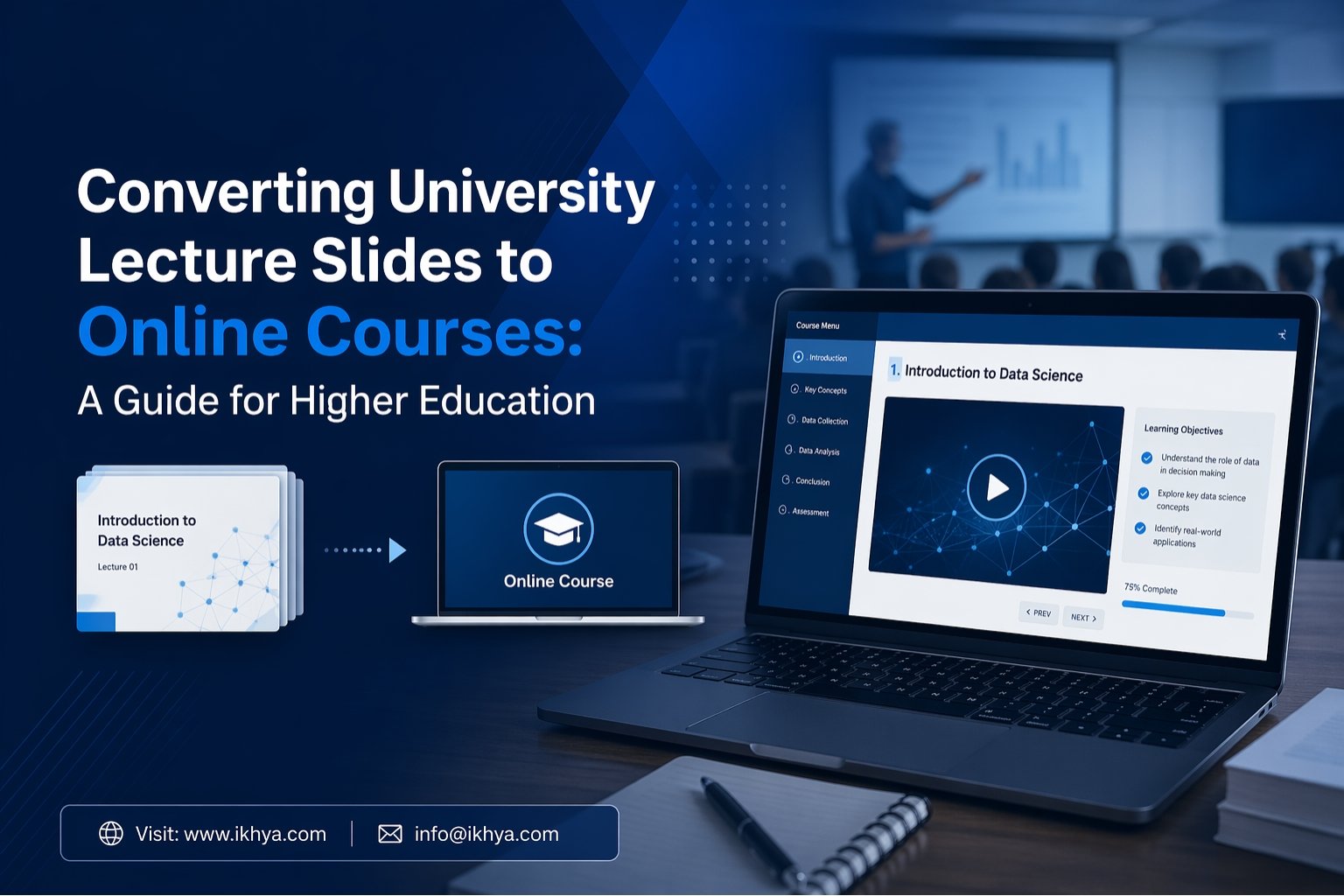
Converting university lecture slides to online courses is one of the fastest ways for colleges and universities to modernize learning without rebuilding content from zero. Many institutions already have years of valuable teaching material in PowerPoint files, but static slides often fail to engage today’s learners. By converting them into interactive online courses, universities can improve student experience, support hybrid learning, and scale delivery across campuses.
If your institution needs a faster rollout, better learner outcomes, or LMS-ready training, IKHYA can help. Contact us, request an RFP, or book a demo to discuss your goals.
Table of Contents
- Why Universities Need Course Conversion
- Problems with Static Lecture Slides
- How to Convert Lecture Slides into Online Courses
- Best Formats for Higher Education
- Slide Deck vs Online Course Comparison
- Accessibility for Modern Learning
- Cost of Course Conversion
- Why Universities Choose IKHYA
- Final Next Steps
Why Converting University Lecture Slides to Online Courses Matters Today
Universities have changed quickly in recent years. Students expect flexible learning, mobile access, and better digital experiences. Traditional slide decks were designed for live classroom teaching, not self-paced online learning.
When institutions convert lecture slides into online courses, they gain several benefits:
- Better student engagement
- Consistent course delivery
- Easy LMS deployment
- Reusable learning assets
- Faster faculty onboarding
- Support for remote and hybrid learning
- Better tracking through SCORM or xAPI
Many universities now use Custom eLearning Development Services to transform legacy academic content into modern digital learning experiences.
Common Problems with Static Lecture Slides
Lecture slides can be useful in classrooms, but they often perform poorly online.
1. Low Student Engagement:
Slides usually contain bullet points, dense text, or long explanations. Without an instructor present, students may lose focus quickly.
2. No Built-In Interaction
Most PowerPoint files do not include quizzes, branching choices, feedback, or practice tasks.
3. Poor Mobile Experience
Students increasingly learn on tablets and phones. Standard slides are not ideal for small screens.
4. Accessibility Gaps
Many old slide decks are not designed for screen readers, captions, or keyboard navigation. This creates barriers for learners.
5. Hard to Track Progress
Static slides cannot easily report completion, scores, or learning behavior in an LMS.
This is why many institutions invest in PPT to eLearning Conversion Services to upgrade outdated materials.
How to Convert University Lecture Slides to Online Courses
Step 1: Review Existing Lecture Slides
Start by checking all slide decks.
Look for:
- Outdated facts
- Repeated content
- Dense text
- Weak visuals
- Missing assessments
This review helps reduce clutter before development starts.
Step 2: Define Learning Outcomes
Each course should answer:
- What should learners know?
- What should they do after training?
- How will success be measured?
This step creates better structure.
Step 3: Apply Instructional Design
Slides should not simply be uploaded online. They need redesign.
Use Instructional Design Services to improve:
- Flow of learning
- Chunking of content
- Storytelling
- Practice opportunities
- Recall techniques
Step 4: Add Interactivity
Modern courses should include:
- Knowledge checks
- Scenario questions
- Drag-and-drop tasks
- Reflection prompts
- Short assessments
For technical subjects, eLearning Simulation-Based Training can improve practice and confidence.
Step 5: Build for LMS Delivery
Converted courses are usually published as:
- SCORM 1.2
- SCORM 2004
- xAPI
These formats help track learner activity.
Step 6: Optimize for Mobile Devices
Many institutions now request Mobile Learning Development Solutions so students can learn anytime.
Step 7: Test and Launch
Before release, test:
- Navigation
- Scoring
- Browser support
- Device responsiveness
- LMS tracking
If speed matters, Rapid eLearning Development Services can shorten timelines.
Best Formats for Modern Higher Education Courses
Not every course should remain one long lecture. Universities now use multiple formats.
• Microlearning Modules: Short lessons of 5–10 minutes help improve focus and retention.
• Self-Paced Courses: Students move at their own speed, making this format ideal for foundational subjects.
• Instructor-Led to Digital Conversion: Many classroom programs can be transformed through ILT to eLearning Course Conversion.
• Redesigned Legacy Courses: Older content often requires a complete rebuild through eLearning Course Redesigning Services.
Slide Deck vs Online Course Comparison
| Feature | Static Lecture Slides | Online Course |
|---|---|---|
| Engagement | Low | High |
| Interaction | Minimal | Quizzes, tasks, scenarios |
| Mobile Friendly | Limited | Strong |
| LMS Tracking | No | Yes |
| Accessibility | Often weak | Strong |
| Reusability | Medium | High |
Accessibility and Inclusion for Universities
Modern institutions must support all learners. Accessible design is no longer optional.
Accessible eLearning Solutions help universities meet standards through:
- Closed captions
- Alt text for images
- Keyboard navigation
- Screen reader support
- Color contrast compliance
- Clear layouts
Accessible learning improves outcomes for everyone, not only learners with disabilities.
Global Delivery Through Localization
Many universities teach international students or run programs in different regions.
With eLearning Translation & Localization, institutions can adapt courses for:
- Language changes
- Regional examples
- Cultural relevance
- Voiceover updates
- Subtitle support
This is especially useful for universities serving students in the USA, UK, Australia, UAE, and global markets.
How Long Does Conversion Take?
Project timelines depend on content quality, length, and complexity.
| Course Size | Typical Timeline |
|---|---|
| 30 slides simple course | 1–2 weeks |
| 60 slides interactive course | 2–4 weeks |
| Multi-module faculty program | 4–8 weeks |
| Enterprise university rollout | Custom timeline |
If deadlines are tight, rapid development models help reduce delays.
Cost of Converting University Lecture Slides to Online Courses
Pricing depends on complexity, media needs, assessments, and volume.
| Project Type | Estimated Cost (USD) |
|---|---|
| Basic slide conversion | $1,000 – $3,000 |
| Interactive course | $3,000 – $8,000 |
| Multi-language version | $5,000+ |
| Large university rollout | Custom quote |
Factors affecting price:
- Number of slides
- Audio narration
- Animations
- Assessments
- LMS packaging
- Localization needs
- Accessibility upgrades
For accurate pricing, request an RFP with your course details.
Why Universities Choose IKHYA
IKHYA supports universities that need reliable and scalable solutions to convert lecture slides into online courses. The following are the key reasons institutions choose IKHYA:
1. Strong Academic Conversion Expertise
We understand academic content and convert lecture slides into clear, structured online courses that are easy for students to follow.
2. Fast Delivery Models
We help universities meet deadlines with faster development and smooth course rollout.
3. End-to-End eLearning Support
We handle the full process from slides to final online courses, including:
- Custom eLearning Development Services
- PPT to eLearning Conversion Services
- Instructional Design Services
- Accessible eLearning Solutions
- Mobile Learning Development Solutions
4. Global Reach
We support universities across different regions and help deliver courses to diverse learner groups.
When to Outsource Conversion
Universities often outsource when they need:
- Hundreds of slides converted quickly
- Internal teams are overloaded
- Better design quality
- LMS-ready deployment
- Accessibility compliance
- Multiple language versions
External specialists can reduce workload for faculty and internal staff.
Final Next Steps
Converting university lecture slides to online courses helps institutions use existing content in a smarter way. Instead of relying on static presentations, universities can create engaging, trackable, and accessible learning experiences for modern students.
If your institution is planning a digital learning upgrade, IKHYA can help you move faster with less internal effort. Contact us today, request an RFP, or book a meeting to discuss your course conversion goals.
FAQs – Converting University Lecture Slides to Online Courses
1. What does converting university lecture slides to online courses mean?
It means turning existing classroom PowerPoint presentations into interactive digital courses that students can access online. This often includes quizzes, narration, videos, assessments, and LMS tracking.
2. Why should universities convert lecture slides into online courses?
Universities should convert lecture slides to improve student engagement, support hybrid learning, and make content available anytime on any device. It also helps standardize learning across departments.
3. How do you convert university lecture slides to online courses?
The process usually includes reviewing slides, updating content, applying instructional design, adding interactions, publishing in SCORM or xAPI format, and testing in the LMS.
4. Can PowerPoint lecture slides be converted into eLearning courses?
Yes, PowerPoint lecture slides can be converted into eLearning courses with interactive elements such as quizzes, branching scenarios, voiceovers, and assessments.
5. What is the best way to convert lecture slides into online learning?
The best way is to redesign the slides for digital learning rather than simply uploading them. This includes shorter modules, learner interaction, mobile-friendly design, and measurable outcomes.
6. How long does it take to convert university lecture slides to online courses?
Simple courses may take 1 to 2 weeks, while larger interactive university courses can take 4 to 8 weeks depending on complexity, media, and approvals.
7. How much does converting lecture slides to online courses cost?
Costs vary based on course length and features. Basic conversions may start around $1,000, while advanced interactive courses can cost $3,000 to $8,000 or more.
8. What tools are used to convert lecture slides into online courses?
Common tools include Articulate Storyline, Adobe Captivate, iSpring Suite, Rise 360, and LMS platforms that support SCORM or xAPI content.
9. Can universities use old PowerPoint files for online courses?
Yes, older PowerPoint files can be reused if the content is still accurate. Many institutions update and redesign them into modern online courses.
10. Are online courses better than static lecture slides?
Online courses are usually better because they offer interaction, progress tracking, mobile access, and stronger learner engagement than static slide decks.
11. What LMS platforms support converted university courses?
Most major LMS platforms such as Moodle, Canvas, Blackboard, TalentLMS, and Cornerstone support converted courses in SCORM or xAPI format.
12. How can universities make online courses more engaging?
They can add quizzes, case studies, simulations, videos, discussion prompts, and microlearning modules to improve learner attention and retention.
13. What is SCORM in online course conversion?
SCORM is a standard format that allows online courses to work inside learning management systems and track learner progress, scores, and completion.
14. Why is accessibility important when converting lecture slides?
Accessibility ensures all students can learn effectively, including those using screen readers, captions, keyboard navigation, or other assistive tools.
15. Can lecture slides be converted for mobile learning?
Yes, converted courses can be designed to work well on smartphones and tablets, making learning more flexible for students.
16. Should universities outsource lecture slide conversion projects?
Outsourcing is useful when universities need faster delivery, better design quality, large-scale conversions, or support with accessibility and LMS deployment.
17. What is the difference between PPT to eLearning conversion and course redesign?
PPT to eLearning conversion updates existing slides into digital courses, while course redesign involves rebuilding structure, flow, and learning strategy for stronger outcomes.
18. Can converted university courses support multiple languages?
Yes, courses can be translated and localized for different countries, student groups, and regional learning needs.
19. How do universities measure success after course conversion?
They can track completion rates, quiz scores, learner feedback, engagement data, and overall course performance through the LMS.
20. Who can help convert university lecture slides to online courses?
Specialized eLearning companies like IKHYA help universities transform lecture slides into engaging, accessible, and LMS-ready online courses
Ready to Convert Your University Lecture Slides into Online Courses?
If your institution wants to modernize learning, improve student engagement, and launch LMS-ready courses faster, IKHYA is ready to help. We convert static lecture slides into interactive, accessible, and high-impact online learning experiences tailored for higher education.
Whether you need a single course, multiple faculty modules, or a large university-wide rollout, our team can support every stage from instructional design to final deployment.
Contact IKHYA today to discuss your goals, request an RFP for your project, or book a meeting with our experts to get started.




