
Top PowerPoint to eLearning Conversion Companies: How to Choose the Right Vendor

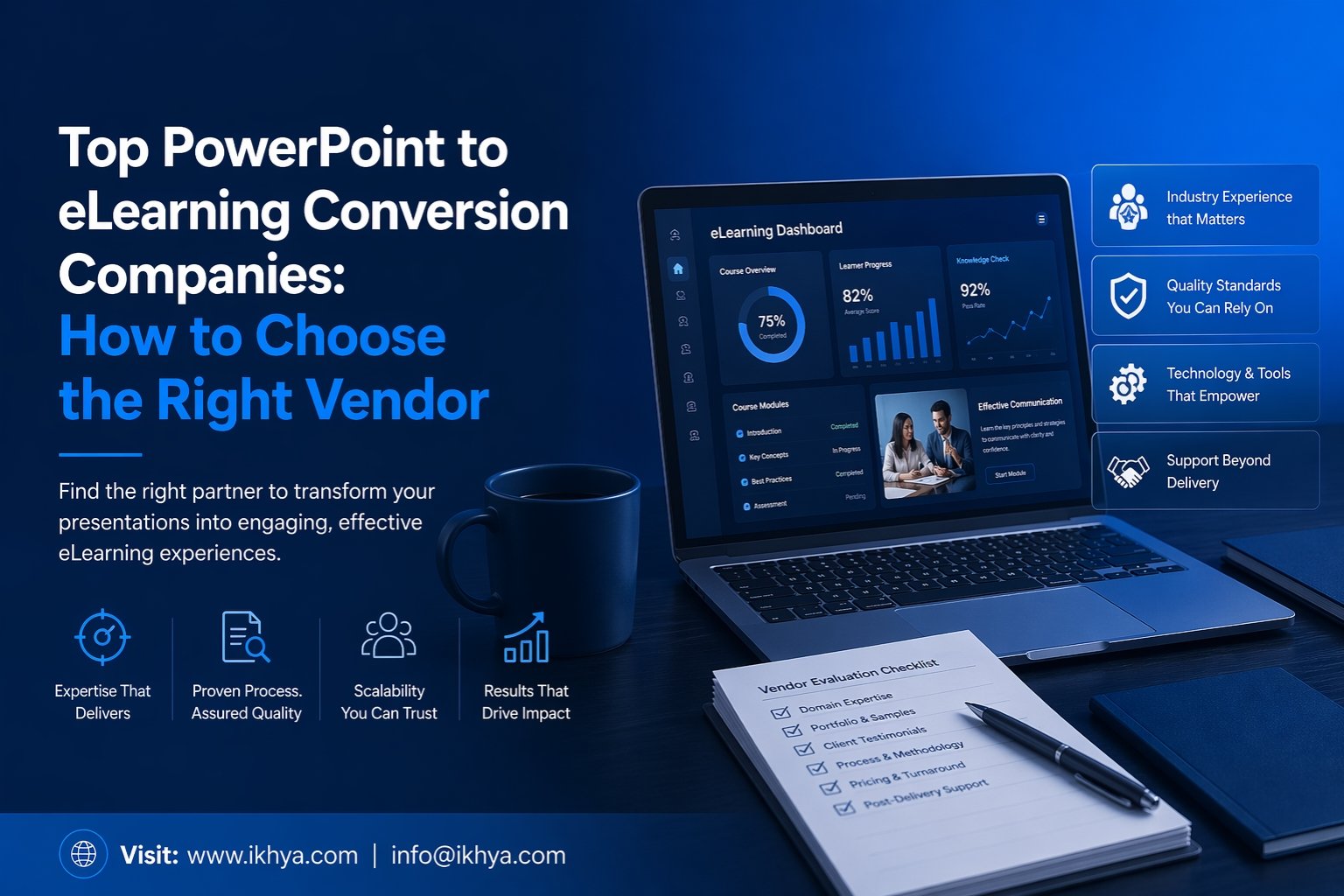
If your organization still relies on static PowerPoint decks for training, you’re likely dealing with low engagement, inconsistent learning outcomes, and outdated delivery formats.
That’s why many L&D teams search for PowerPoint to eLearning Conversion Companies—specialists who transform old presentations into interactive, mobile-ready, LMS-compatible learning experiences.
IKHYA helps organizations convert legacy PowerPoint content into modern eLearning that improves completion rates, learner retention, and rollout speed across global teams.
Need expert help now? Contact us for a custom conversion quote.
Why Businesses Outsource PowerPoint to eLearning Conversion
PowerPoint was built for presentations—not scalable digital learning.
When training grows across teams, locations, or compliance programs, static slides become expensive to maintain and ineffective to deliver.
Common reasons companies outsource:
- Hundreds of legacy PPT training decks
- Need SCORM/xAPI LMS compatibility
- Low learner engagement
- No internal instructional design bandwidth
- Need mobile learning access through Mobile Learning Development Solutions
- Compliance deadlines
- Global rollout requiring eLearning Translation & Localization
- Inconsistent branding across decks
A specialized vendor turns slide content into structured learning journeys—not just prettier slides.
What the Best PowerPoint to eLearning Conversion Companies Actually Do
Not all vendors provide the same level of value.
Some only convert slides visually. Premium partners redesign content strategically.
High-Value Deliverables Include:
- Instructional redesign for better learning flow
- Scenario-based interactions
- Quizzes and assessments
- Voiceover integration
- Responsive mobile layouts
- SCORM / xAPI packaging
- Accessibility compliance through Accessible eLearning Solutions
- Branding alignment
- Localization for global learners
- LMS testing and deployment support
Many organizations also combine conversions with Custom eLearning Development Services when legacy decks need a full redesign.
How to Choose the Right PowerPoint to eLearning Conversion Company
Selecting the wrong provider can waste time, budget, and learner trust.
Use this framework.
1. Do They Understand Learning Design?
A vendor should improve outcomes—not just redesign graphics.
Look for expertise in:
- Adult learning principles
- Storyboarding
- Knowledge retention strategies
- Scenario learning
- Microlearning through Microlearning Development Services
Strong vendors also offer Instructional Design Services to improve course outcomes.
2. Can They Scale Fast?
If you have 20, 50, or 500 decks, production capacity matters.
Ask:
- Average monthly output?
- Team size?
- QA process?
- Dedicated project manager?
For urgent launches, look for Rapid eLearning Development Services with proven delivery workflows.
3. Do They Build for Modern Devices?
Training must work across desktop, tablet, and mobile devices. A responsive-first provider can future-proof your learning investment with Mobile Learning Development Solutions.
4. Can They Support Global Teams?
If you train internationally, localization is critical. Providers with eLearning Translation & Localization capabilities help maintain consistency across markets.
5. Do They Show Real Work?
Always request:
- Samples
- Case studies
- Timelines
- Review process
- Client references
Red Flags to Avoid
Many buyers choose based only on low price. That often creates expensive rework later.
Avoid vendors that:
- Promise unrealistic turnaround with no process
- Only offer slide redesign
- Cannot explain QA standards
- Have no LMS testing workflow
- Lack accessibility capability
- No dedicated PM communication
- No examples in your industry
If your content is outdated, you may need eLearning Course Redesigning Services rather than basic conversion.
Talk to an expert before committing budget.
Typical Pricing for PowerPoint to eLearning Conversion
Pricing depends on complexity, volume, timelines, and interaction level.
| Project Type | Typical Scope | Relative Cost |
|---|---|---|
| Basic Slide Conversion | Click-next style | Low |
| Branded Interactive Course | Quizzes + media | Medium |
| Scenario-Based Conversion | Branching + custom UX | Higher |
| Enterprise Bulk Conversion | Multi-course rollout | Custom |
Best practice: evaluate total value, not lowest quote.
Lower-priced vendors often omit:
- instructional design
- QA
- source file cleanup
- accessibility
- revisions
- LMS testing
Request custom pricing for accurate budgeting.
Why IKHYA Is a Strong Vendor Choice
We combine learning strategy, production speed, and enterprise execution.
What Clients Value
- Dedicated conversion specialists
- Strong instructional design capability
- Fast turnaround models
- Global delivery support
- Modern authoring tools
- Quality assurance workflows
- Transparent communication
- Flexible engagement models
Whether you need straightforward conversion or full Custom eLearning Development Services, our team can align the solution to your goals.
Our Conversion Process
Step 1 — Content Audit
We review your decks for quality, relevance, duplication, and learning gaps.
Step 2 — Conversion Strategy
We recommend rapid conversion, redesign, or custom rebuild using Rapid eLearning Development Services when speed matters.
Step 3 — Storyboarding
We restructure content for learner flow and engagement using expert Instructional Design Services.
Step 4 — Development
Courses are built in modern authoring tools with interactions, assessments, and eLearning Simulation-Based Training where suitable.
Step 5 — QA + LMS Testing
We validate usability, tracking, responsiveness, and performance.
Step 6 — Launch Support
We help with deployment and future scale.
Realistic Case Studies
Case Study 1: Compliance Rollout
A healthcare company had 80 outdated PPT modules. We converted them into LMS-ready courses and added Accessible eLearning Solutions, improving completion speed and reducing admin follow-up.
Case Study 2: Global Product Training
A manufacturing client needed multilingual rollout across six countries. We used eLearning Translation & Localization to ensure consistent learning worldwide.
Case Study 3: Sales Enablement Upgrade
A SaaS company replaced internal onboarding decks with short modules built through Microlearning Development Services, reducing onboarding time and improving consistency.
Ready to Convert Your PowerPoint Training into Real eLearning?
If you have outdated PPT decks, compliance slides, onboarding presentations, or enterprise training libraries, we can help transform them into modern learning experiences with PPT to eLearning Conversion Services.
Get Started Today
- Request a Quote
- Talk to an Expert
- Share Your Existing Decks
- Get a Custom Timeline
Contact IKHYA today to discuss your project.
PowerPoint to eLearning Conversion Companies – FAQs
1. What are PowerPoint to eLearning Conversion Companies?
PowerPoint to eLearning Conversion Companies specialize in transforming static presentation decks into interactive digital training courses. They improve engagement, mobile compatibility, LMS tracking, and learner outcomes.
2. Why should I convert PowerPoint presentations into eLearning courses?
PowerPoint files are useful for presentations but limited for scalable training. Converting them into eLearning adds quizzes, interactions, progress tracking, and better learner retention.
3. How do PowerPoint to eLearning Conversion Companies work?
Most providers begin with a content audit, then redesign slides into structured learning modules. They may also add narration, assessments, branding, and SCORM/xAPI compatibility.
4. What is included in PPT to eLearning Conversion Services?
Typical PPT to eLearning Conversion Services include content restructuring, visual redesign, interactions, assessments, LMS packaging, mobile responsiveness, and quality assurance testing.
5. How much do PowerPoint to eLearning conversion services cost?
Costs depend on slide volume, complexity, media needs, interactivity level, and turnaround time. Basic conversions cost less, while custom scenario-based learning requires a higher budget.
6. How long does it take to convert PowerPoint into eLearning?
Simple projects may take a few days, while larger enterprise libraries can take several weeks. Timelines depend on number of decks, revisions, and course complexity.
7. Can old training PowerPoints be updated during conversion?
Yes. Many companies combine conversion with eLearning Course Redesigning Services to modernize outdated content, improve flow, and remove irrelevant material.
8. Are converted eLearning courses compatible with LMS platforms?
Yes. Most vendors deliver SCORM, xAPI, or AICC-ready files that work with common learning management systems and reporting tools.
9. Can PowerPoint presentations be converted into mobile-friendly training?
Yes. Leading providers create responsive courses optimized for desktops, tablets, and smartphones using Mobile Learning Development Solutions.
10. What should I look for in the best PowerPoint to eLearning Conversion Companies?
Look for instructional design expertise, fast turnaround, strong QA processes, LMS experience, responsive communication, and proven case studies.
11. Do I need Instructional Design Services for PowerPoint conversion?
If your slides are text-heavy or poorly structured, Instructional Design Services can significantly improve engagement and learning effectiveness during conversion.
12. What industries use PowerPoint to eLearning conversion services?
Healthcare, finance, manufacturing, retail, SaaS, education, logistics, and compliance-driven sectors frequently convert PowerPoint training into eLearning.
13. Can instructor-led training decks also be converted?
Yes. Many companies convert classroom presentations into self-paced online courses through ILT to eLearning Course Conversion services.
14. Is rapid conversion possible for urgent deadlines?
Yes. Providers offering Rapid eLearning Development Services can accelerate production for onboarding, compliance, or product launch deadlines.
15. Can converted courses include quizzes and assessments?
Absolutely. Most eLearning conversions include knowledge checks, quizzes, scenario questions, and completion certificates when required.
16. Can I translate converted eLearning courses into multiple languages?
Yes. Global organizations often use eLearning Translation & Localization services to deliver consistent training across regions.
17. What if my PowerPoint training is boring or outdated?
That is common. A strong vendor can rebuild the content into interactive learning experiences using Custom eLearning Development Services or redesign strategies.
18. Are accessible eLearning options available during conversion?
Yes. Many providers offer Accessible eLearning Solutions that support WCAG standards, keyboard navigation, captions, and screen readers.
19. How do I choose between rapid conversion and custom development?
Choose rapid conversion when speed matters and source content is strong. Choose custom development when engagement, redesign, or performance improvement is the priority.
20. Which company should I choose for PowerPoint to eLearning conversion?
Choose a company with proven experience, transparent processes, instructional design capability, scalable production, and strong communication. IKHYA is trusted by organizations worldwide for end-to-end eLearning conversion solutions.




